BOM-linked work steps
Show part number, description, quantity, revision, picture, drawing, substitute part, and critical-part flags inside each instruction step.

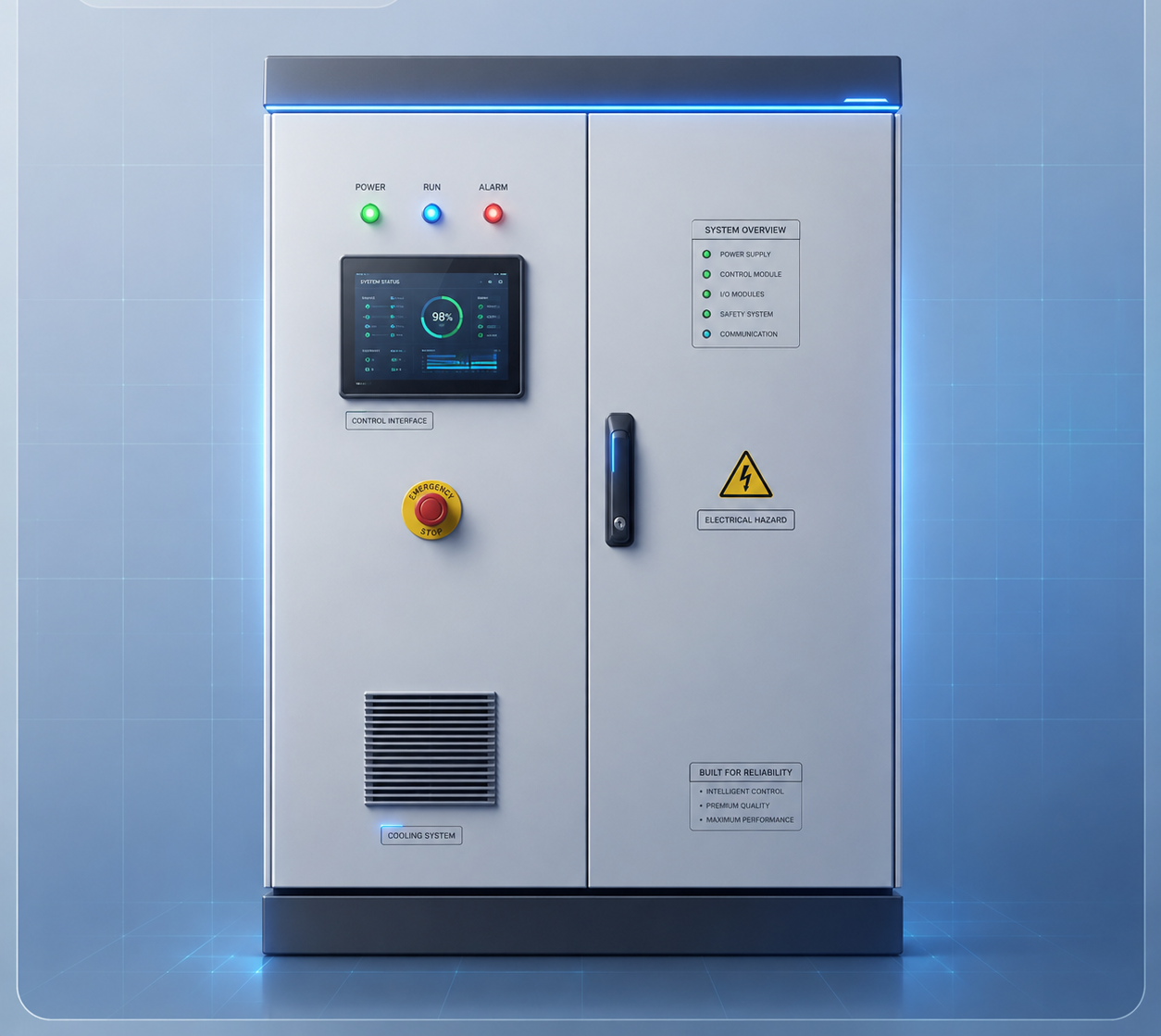
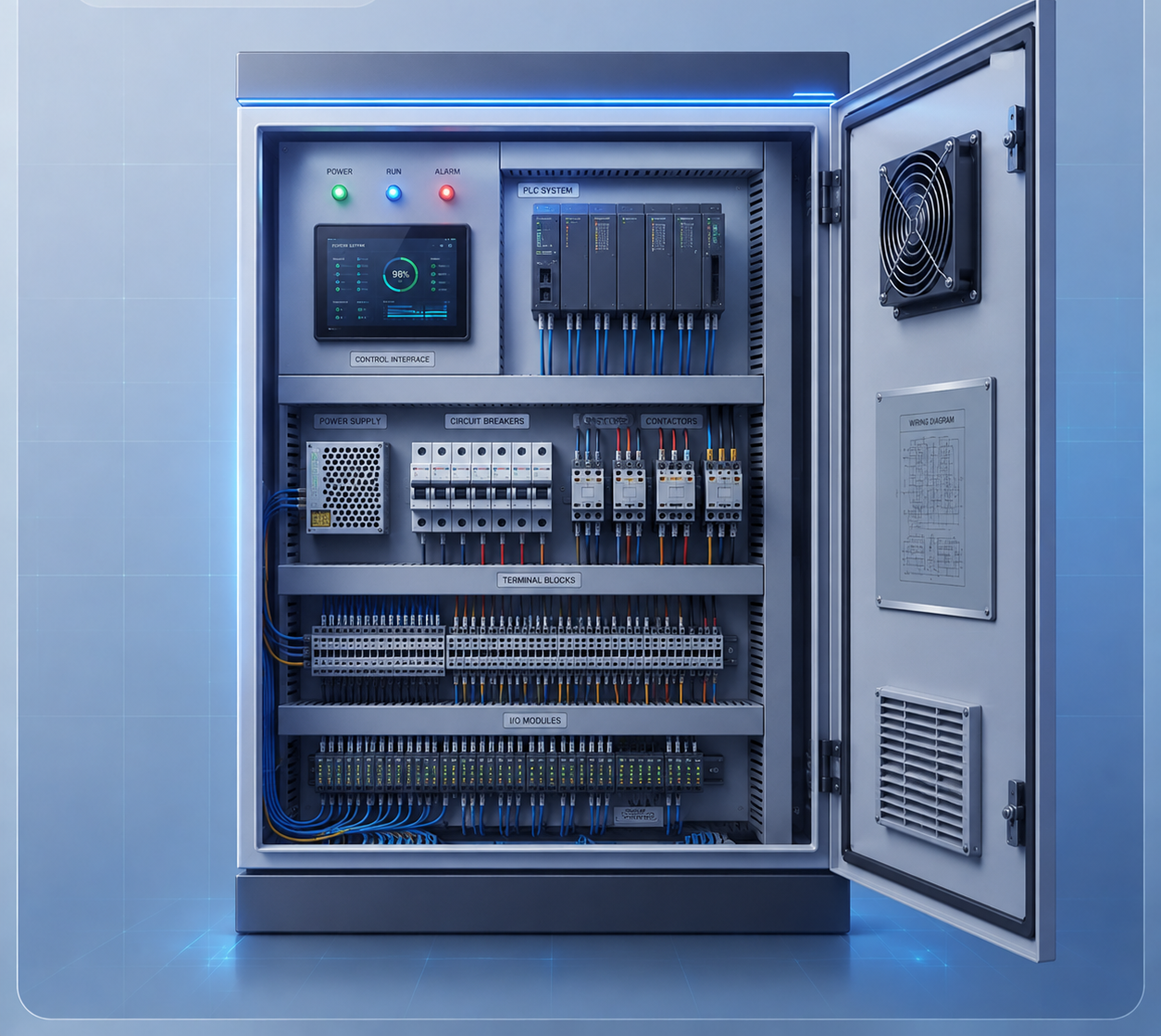
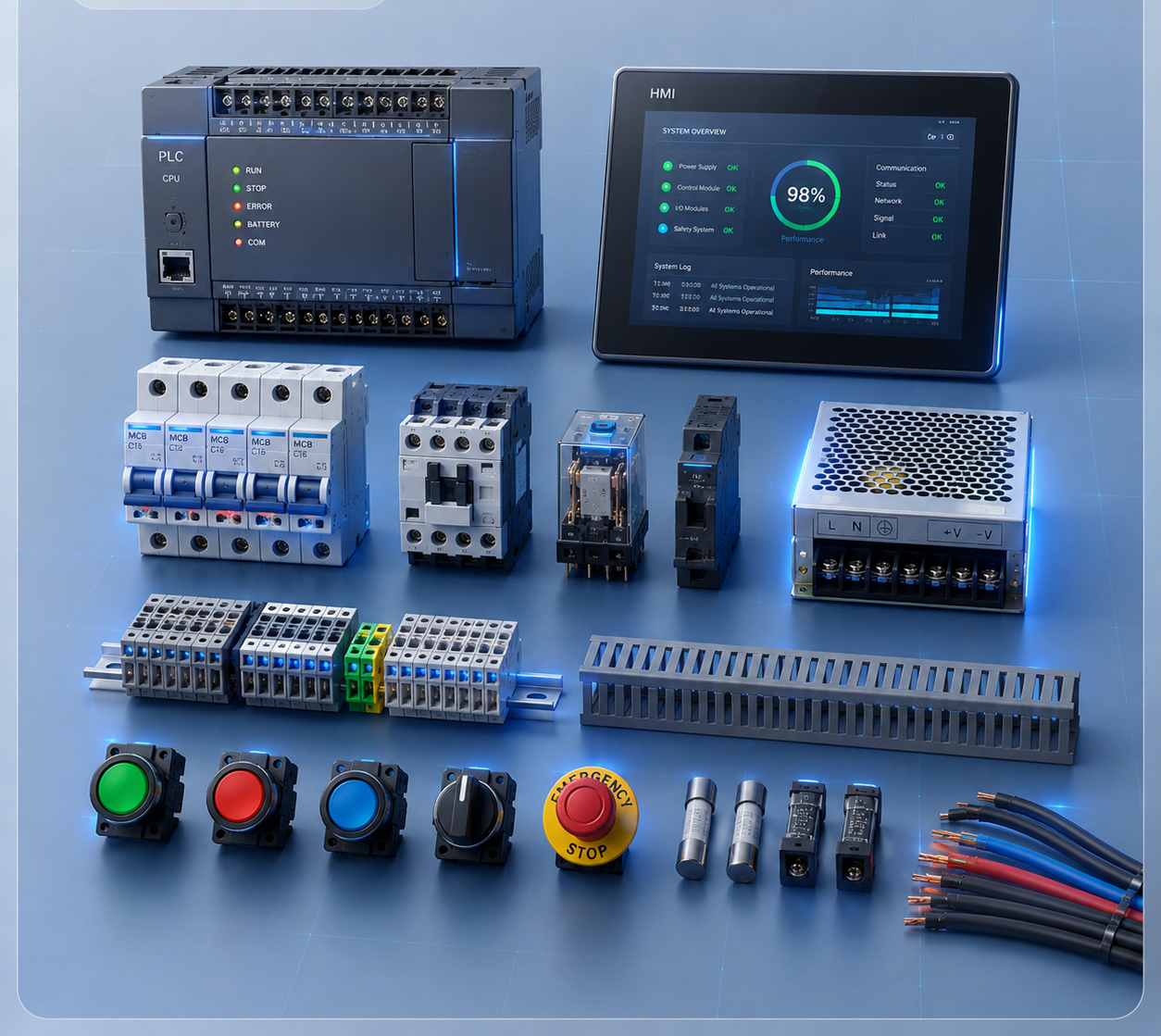
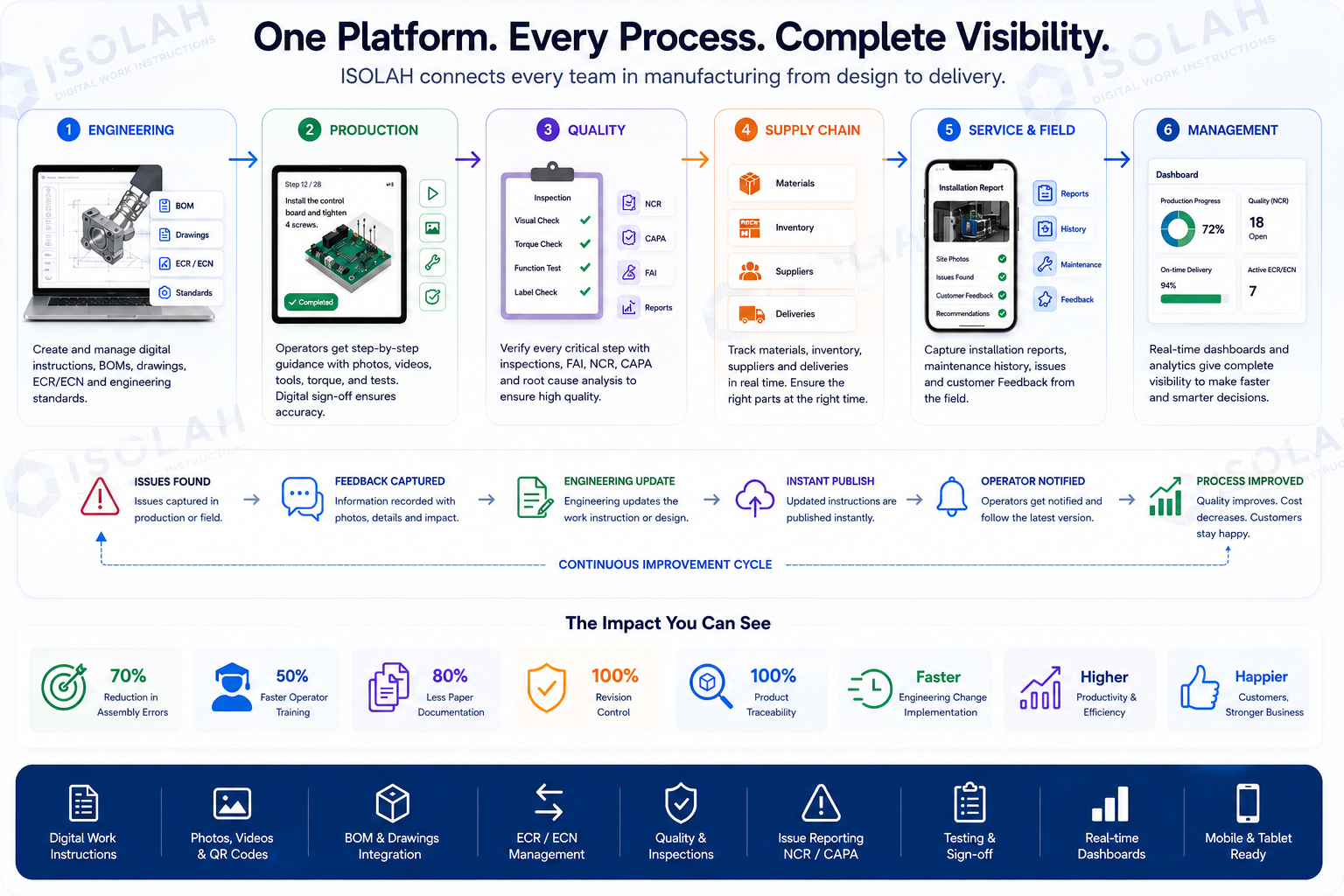
One platform for work instructions, BOM parts, revision control, operator confirmation, inspection, issues, timing, and continuous improvement.
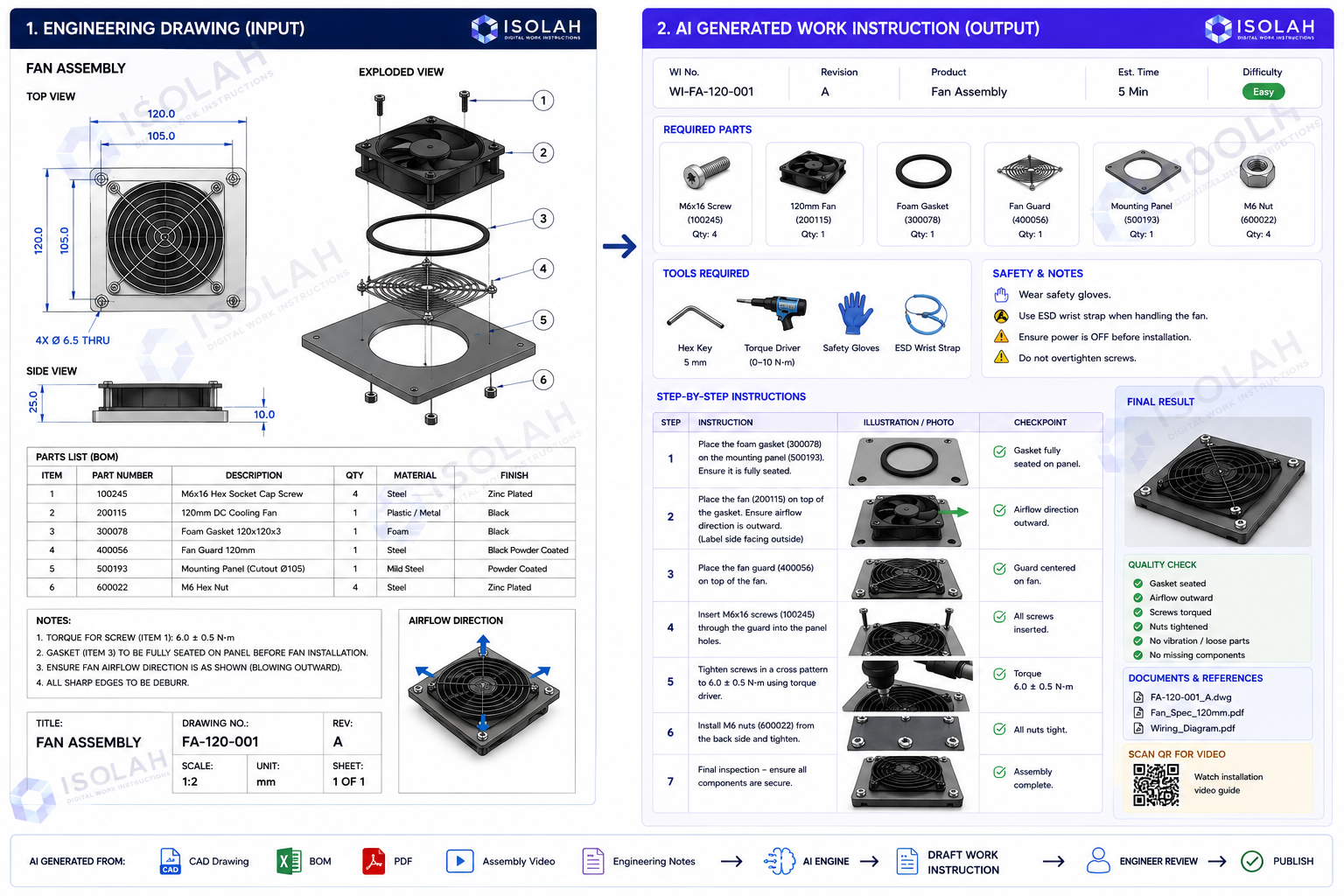
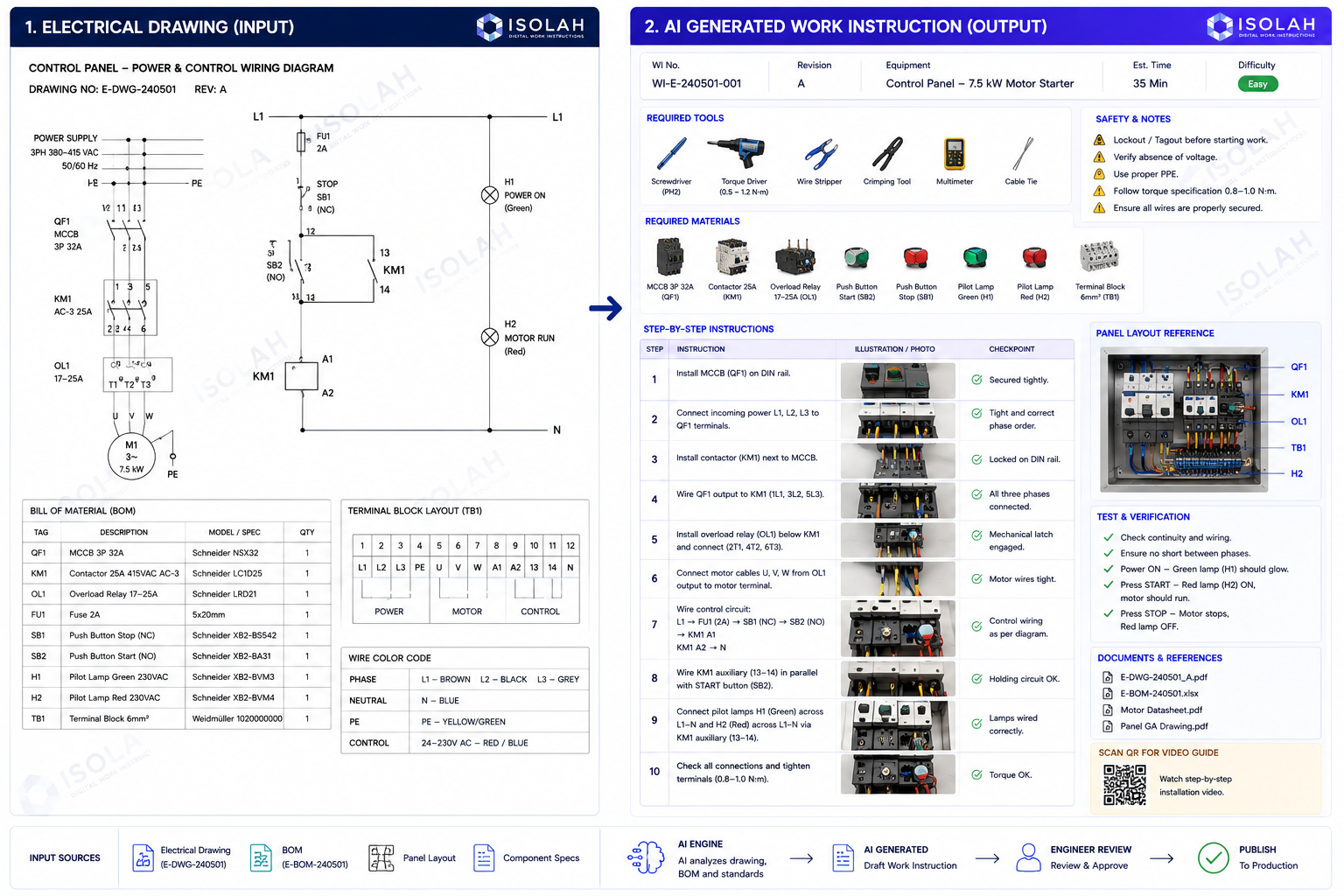
AI When You Want It. Complete Control When You Don't.
ISOLAH transforms engineering knowledge into digital work instructions using either AI-assisted automation or traditional engineering workflows. Generate work instructions from drawings, BOMs, electrical schematics, videos, and engineering changes with AI—or create and manage them manually. Every revision is controlled, traceable, and approved by your engineering team before reaching production.
Core platform
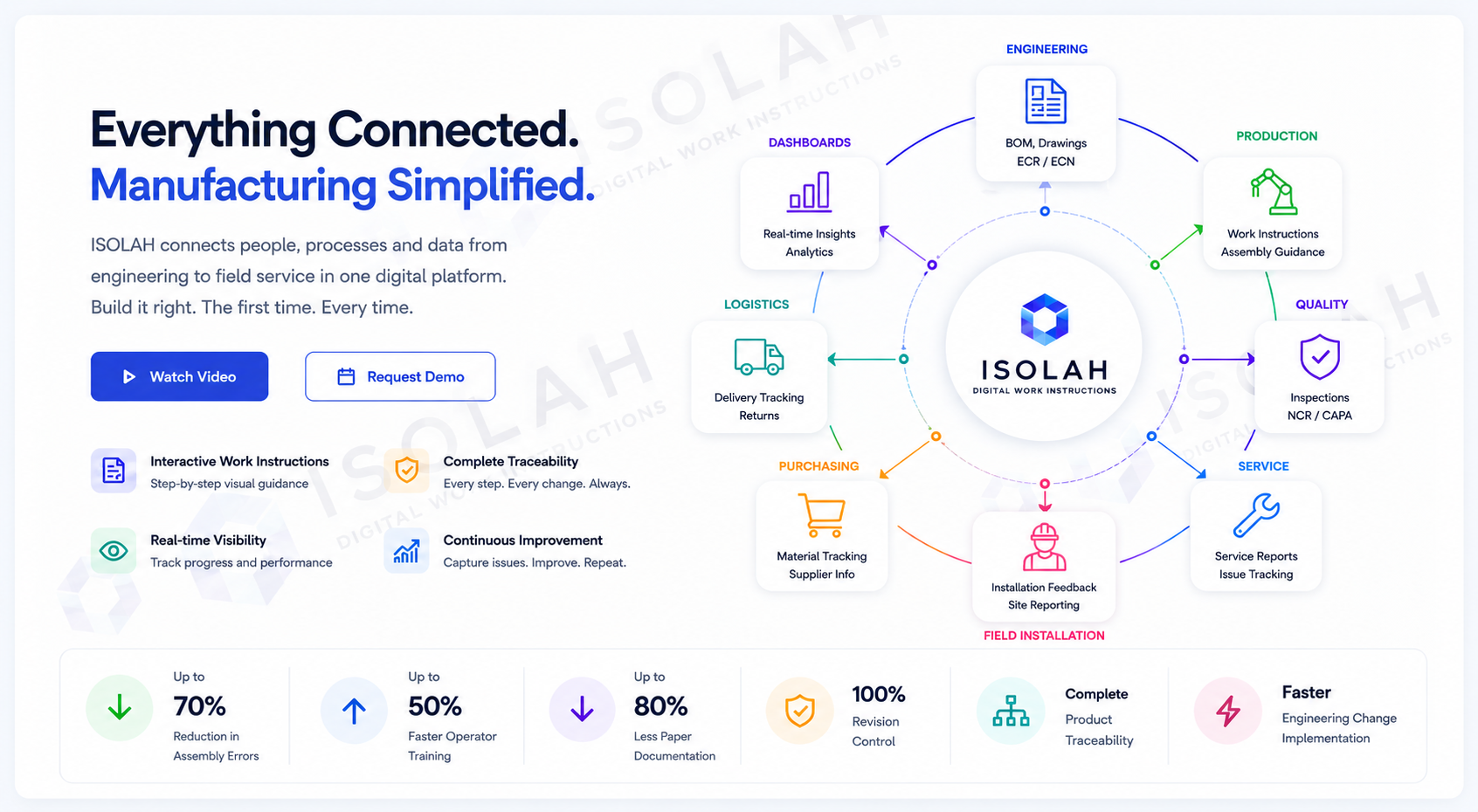
No more binders, screenshots, old PDFs, scattered drawings, or verbal handoffs. ISOLAH gives production, quality, engineering, and supervisors one controlled source of truth.
Show part number, description, quantity, revision, picture, drawing, substitute part, and critical-part flags inside each instruction step.
Capture Engineering Change Requests, review impact, convert approved requests to ECN, and release locked WI/BOM revisions.
Attach MP4 training clips to any step and require operators to confirm they watched the required video before completion.
Put acceptance criteria, inspection confirmation, safety notes, and quality checkpoints directly in the operator flow.
Capture installer notes, site photos, punch-list items, customer comments, field issues, and lessons learned from every installation.
High-impact hook
Capture your best production knowledge once, release it with control, guide operators step by step, and turn every delay, defect, and issue into measurable improvement.
Standardized instructions, visuals, videos, part confirmations, and checkpoints make the correct process easier to follow.
Operators report issues from the exact step, attach evidence, and trigger ECR review and ECN approval when BOM, drawing, or WI changes are needed.
Timing records show planned vs. actual time, pause reasons, waiting causes, and efficiency by product, station, operator, or job.
On-site installation feedback captures what happened after shipment, what needs correction, and which lessons should update WI, BOM, training, or quality checks.
Connected workflow
Every job keeps the exact WI revision and BOM revision assigned at release, giving your team traceability and audit-ready records.
Define product master, BOM header, revision, and part details with images and drawings.
Create steps, safety notes, tools, quality checkpoints, planned time, pictures, and videos.
Supervisor assigns operator, station, priority, active WI revision, BOM revision, and due date.
Operator starts, pauses, resumes, confirms parts, watches required video, and completes steps.
Issues, installation notes, site photos, inspector comments, and step records stay linked to the exact product and instruction.
Raise ECRs from the floor, approve ECNs, create new revisions, and obsolete old controlled releases.
On-site installation feedback
Installation teams see real conditions, customer comments, fit-up problems, missing parts, damaged items, and improvement ideas. ISOLAH turns that field knowledge into action instead of losing it in calls, texts, and emails.
Field installation record
Collect structured feedback from on-site installation crews and connect it back to the product, work order, serial number, BOM, WI revision, and customer site.
Field-to-factory loop
When field feedback shows a repeat problem, supervisors and engineering can create an ECR, attach evidence, review impact, and push approved changes into ECN-controlled BOM and WI revisions.
Operator execution
Operators see the current step, instruction, required parts, step image, video player, safety note, quality checkpoint, acceptance criteria, progress bar, and timing display in one screen.
Supervisor visibility
The dashboard gives a practical manufacturing view of work order status, open issues, critical issues, on-site installation feedback, ECRs under review, ECNs pending approval, WIs pending approval, delayed jobs, and progress percentage.
Request a demo / Contact us
Send us a message and we will get back to you as soon as we can.